
Welcome to Valstorm First Steps
name: "Welcome to Valstorm: First Steps" slug: "welcome-to-valstorm-first-steps" category: "01_Getting_Started" section: "Core Concepts" version: "1.0.0" sort_order: 1 description: "Take a 2-minute tour to learn how to ask questions, explore past conversations, and personalize your AI workspace." seo_title: "Welcome to Valstorm: First Steps | Valstorm Docs" seo_description: "Take a 2-minute tour to learn how to ask questions, explore past conversations, and personalize your AI workspace." is_published: true is_public: true icon: "Rocket" published_date: "2026-09-15T20:31:17.367Z" modified_date: "2026-09-15T20:31:17.367Z" guide_id: "gui_UO3L4NuKtseWhoCW"
Welcome to Valstorm: First Steps
Take a 2-minute tour to learn how to ask questions, explore past conversations, and personalize your AI workspace.
Step-by-Step Guide
1. Meet the Chief of Staff
The Chief of Staff is your go to AI Agent to get work done and learn how to use Valstorm.
We'll cover basics through natural this interactive guide.
Click "Next" to get started
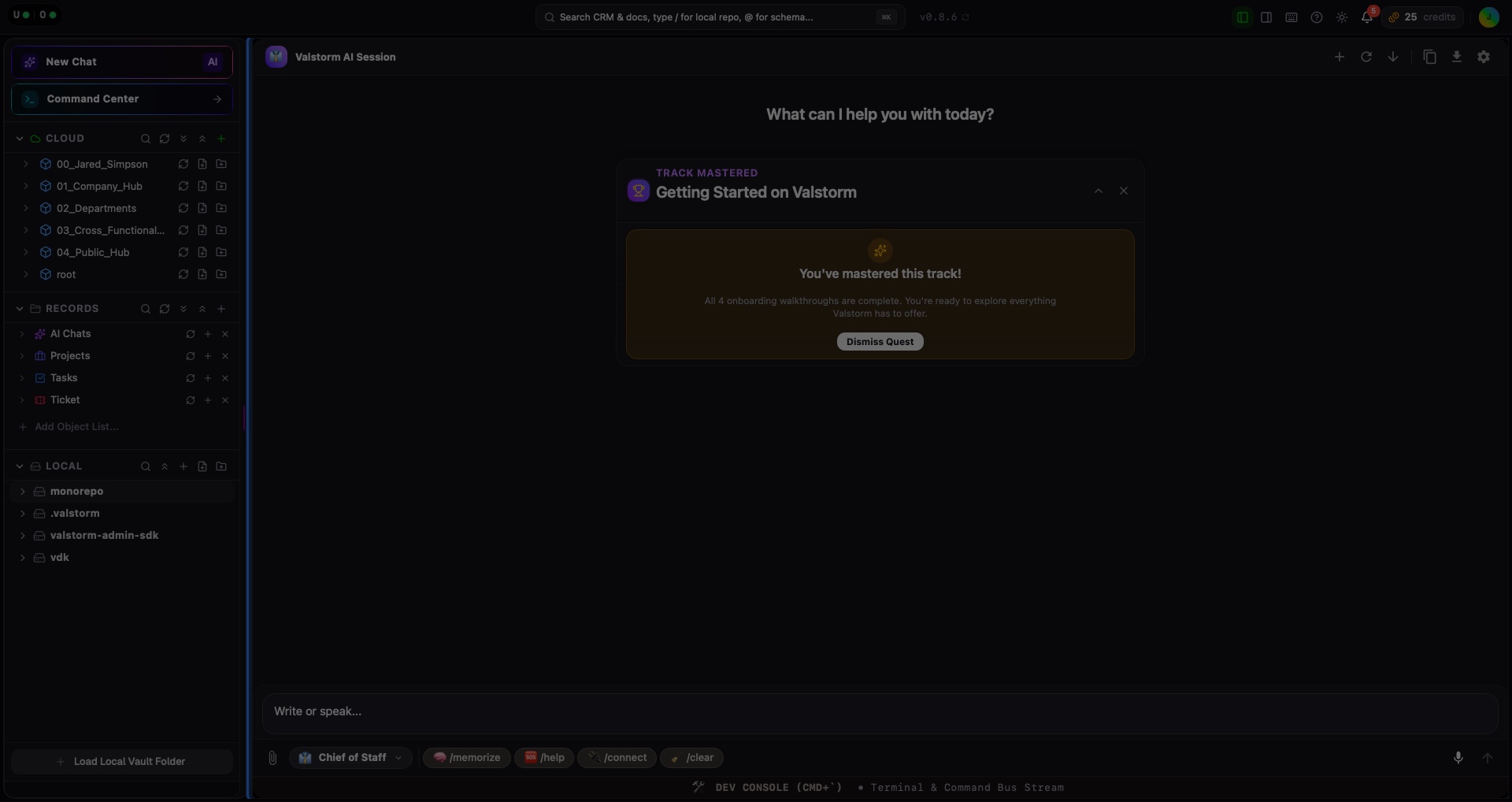
Interactive Target:
#main-workspace-content
2. Click the "/memorize" Command
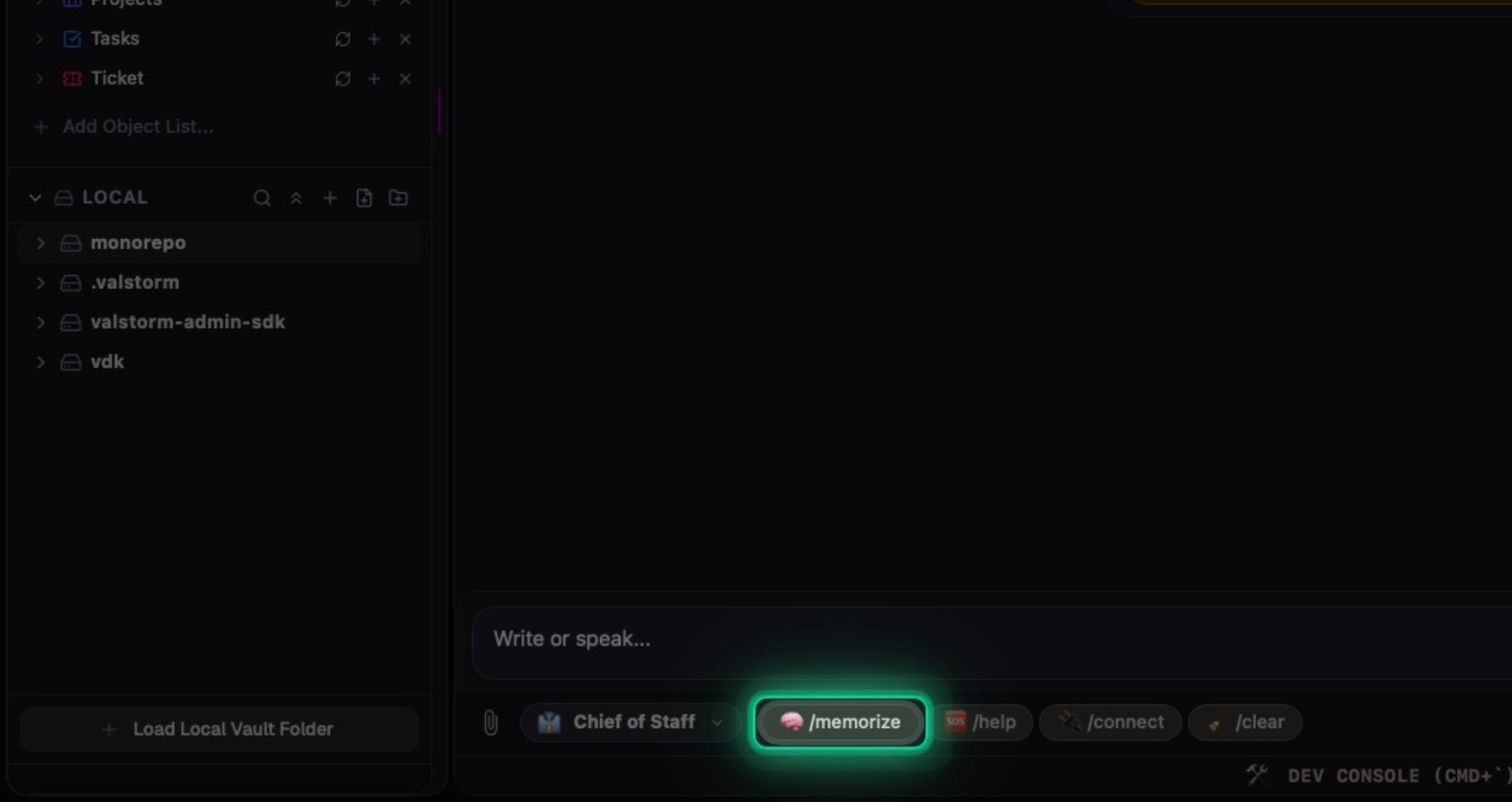
Interactive Target:
#ai-chat-prompt-btn-memorize
3. Tell the Chief of Staff About You
Type out things like What is your role at your company? What are some priorities you have?
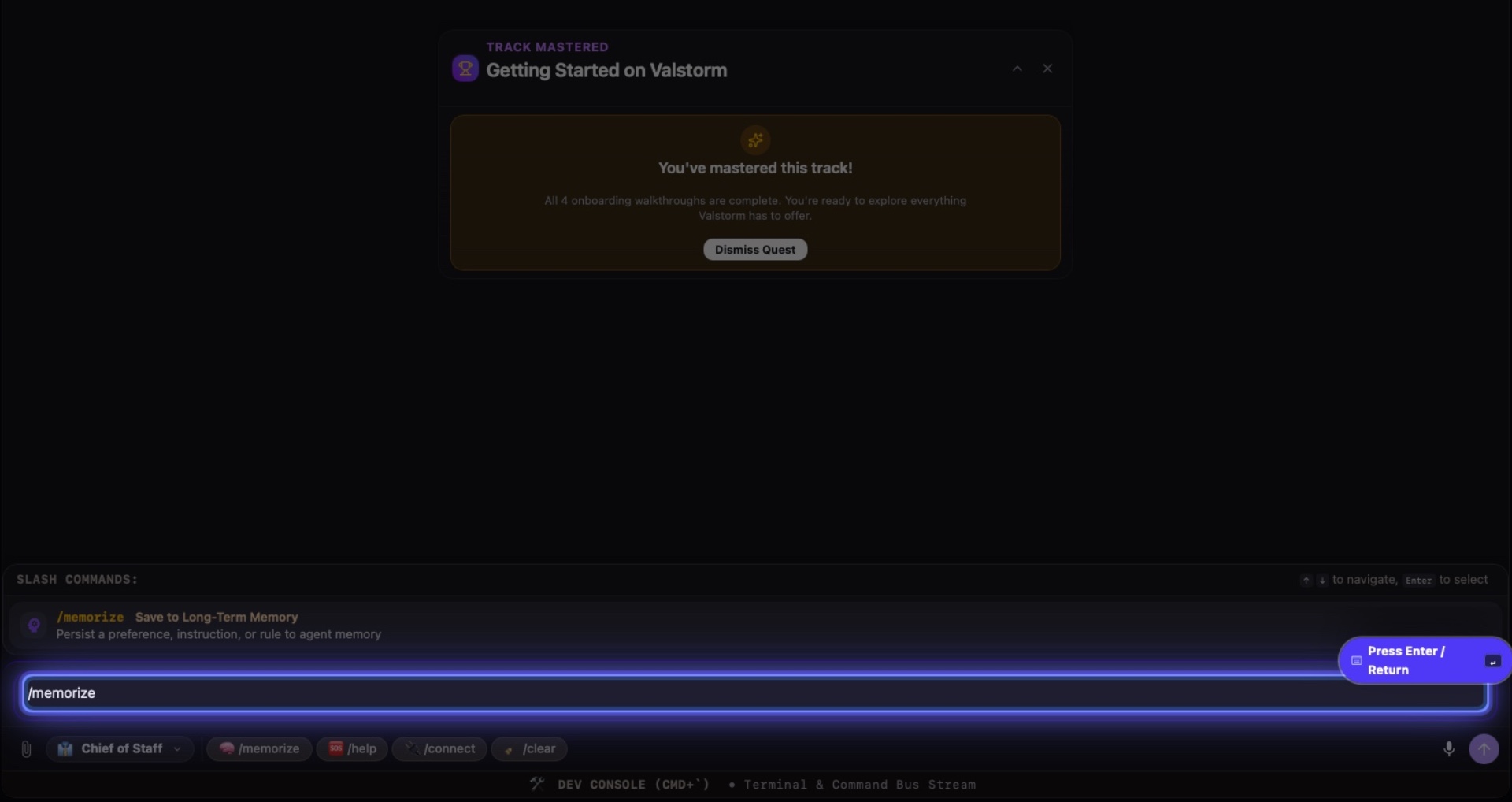
Interactive Target:
#ai-chat-composer-textarea
4. The Chief of Staff Remembers
They will now know this and keep it in consideration when you ask other questions or have them take action.
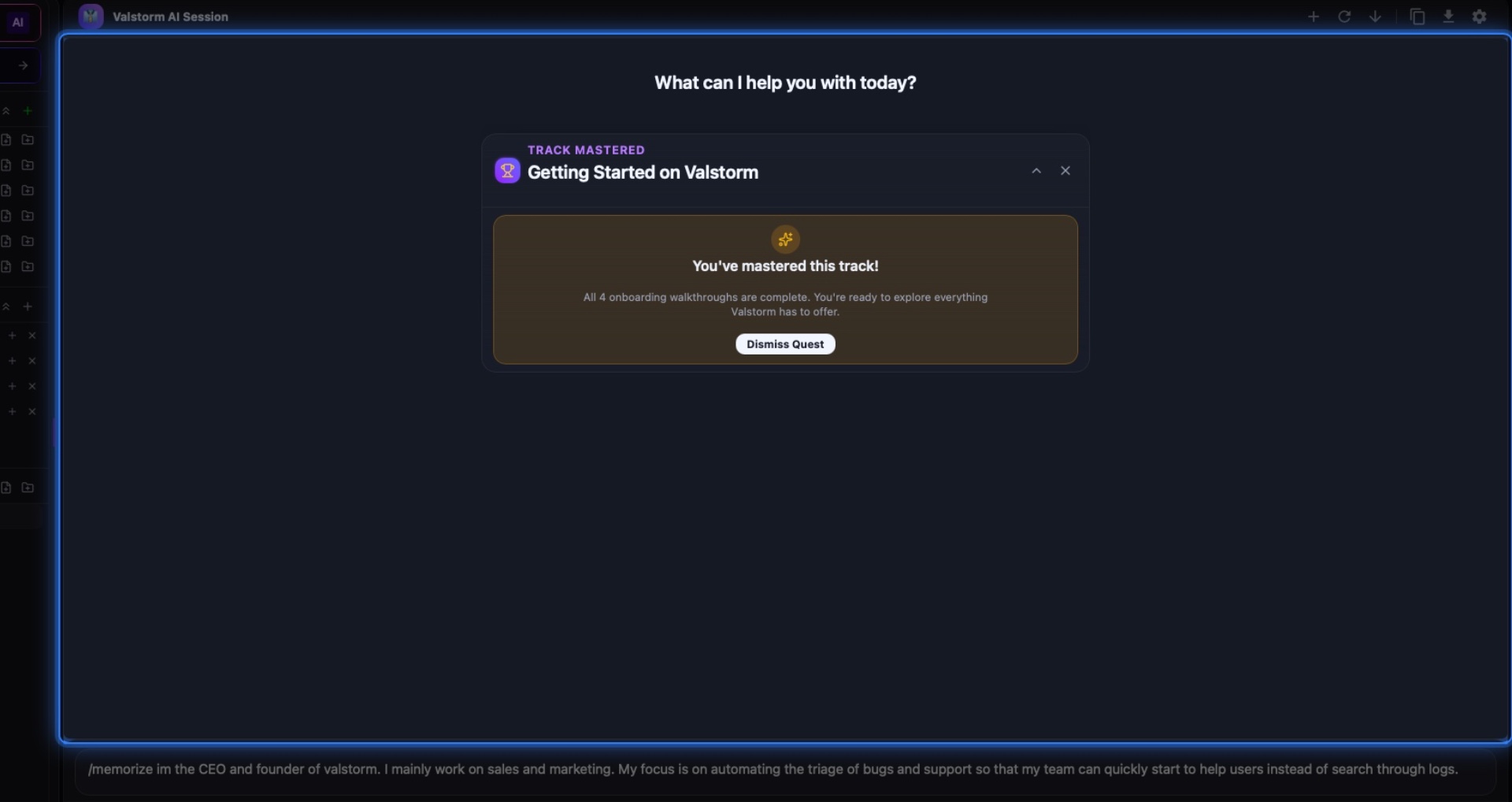
Interactive Target:
#ai-chat-content-area
5. Questions or Need Help?
If you need support or have a question about Valstorm, click this button then ask. Let's try it now.

Interactive Target:
#ai-chat-prompt-btn-help
6. Ask
You could ask something like "what can you do for me?" then press "Enter"
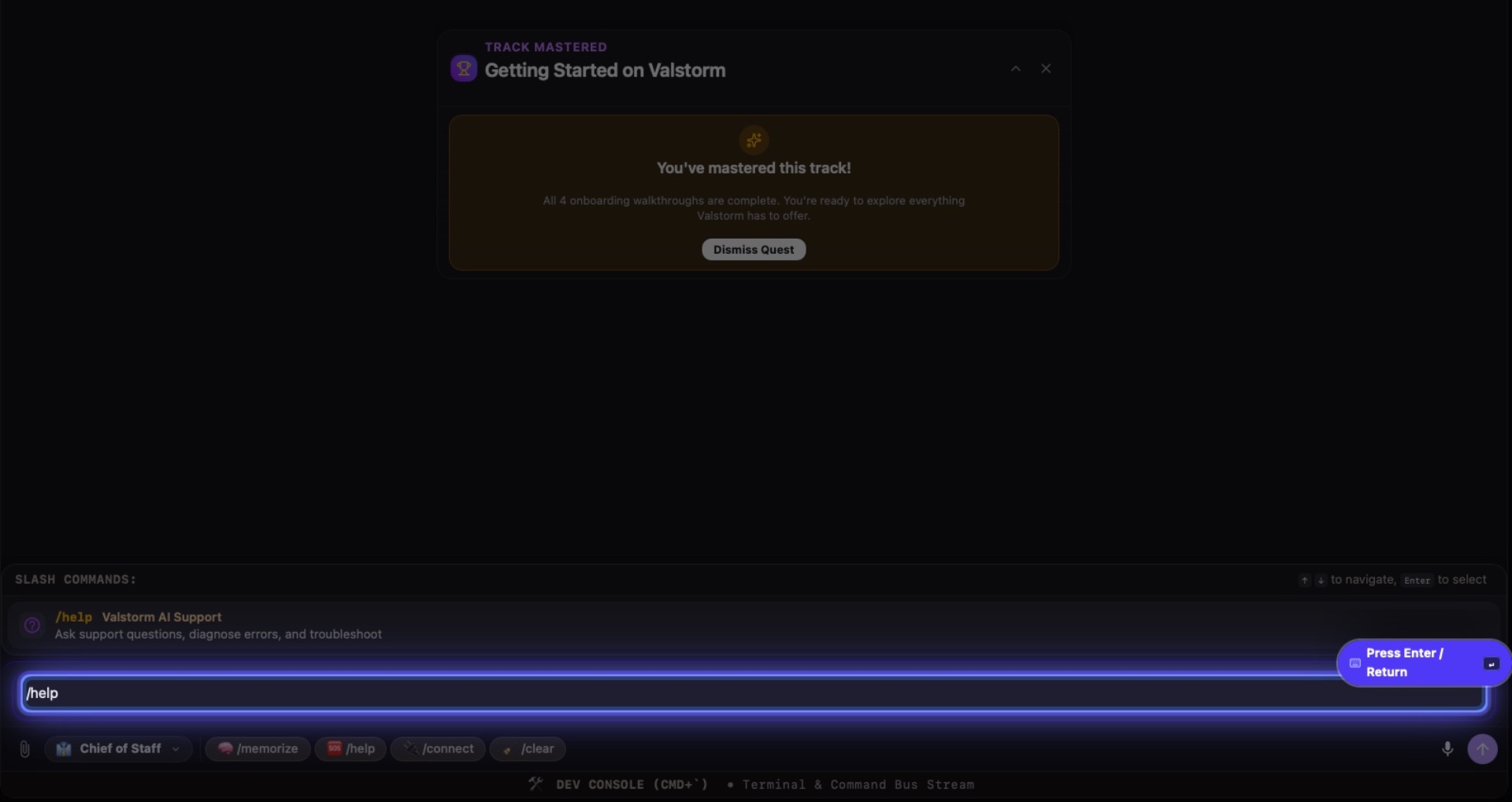
Interactive Target:
#ai-chat-composer-textarea
7. Next Steps
Chatting with the Chief is the best way to learn.
You can find more guides here or use the "/help" command to find anything relevant to your question
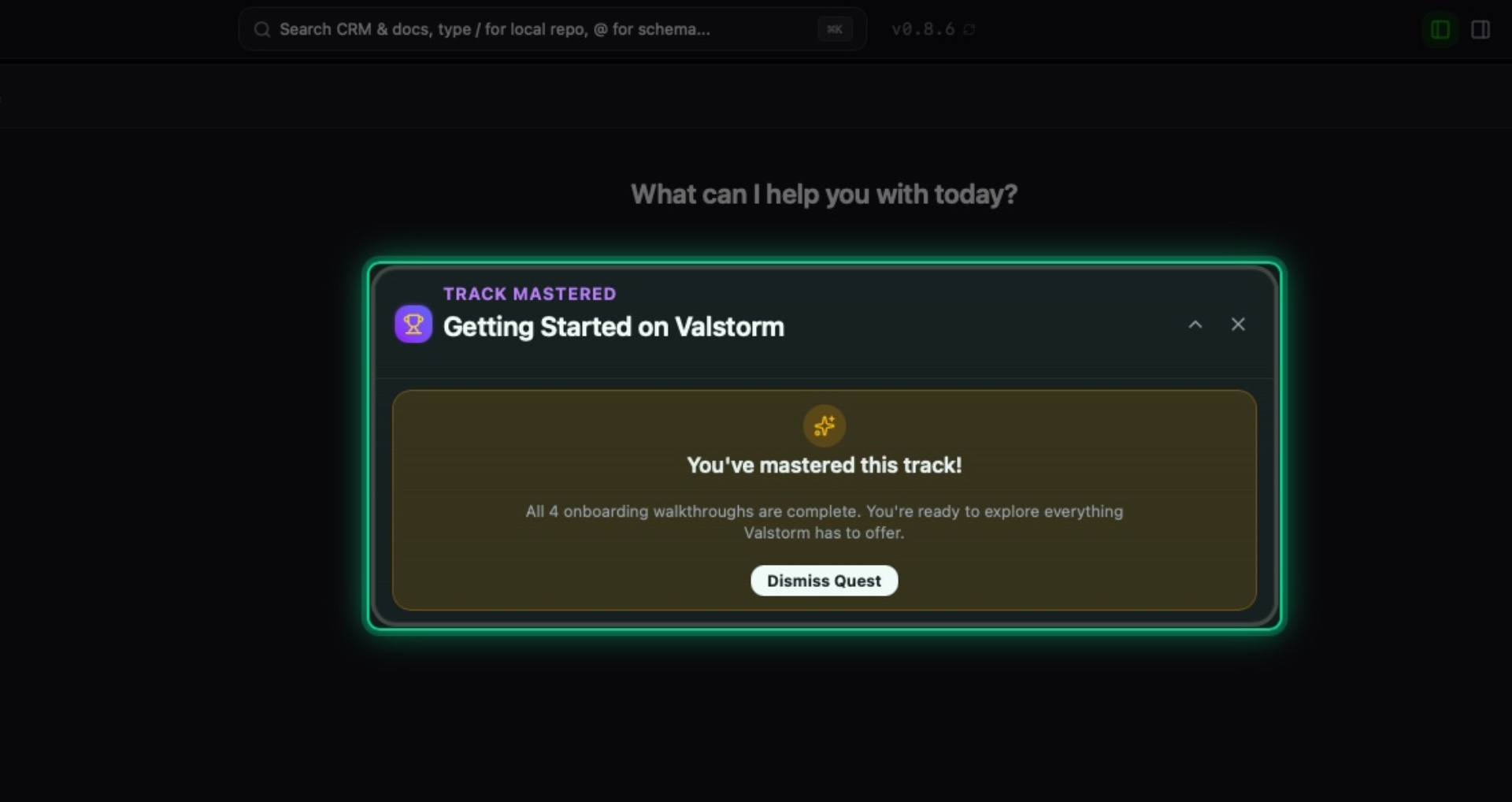
Interactive Target:
#onboarding-quest-widget
Summary & Next Steps
You're all set! Valstorm is now configured to support your workflow. You can start managing tasks, documents, and business ops anytime.
🧭 Interactive Walkthrough: Click ▶ Launch Interactive Guide: Welcome to Valstorm: First Steps to start this hands-on tour directly in Valstorm.