import Image from "next/image";
Valstorm Account Admins
This section describes how to manage account administrators in Valstorm.
Adding a New User
Come soon...
Deactivating a User
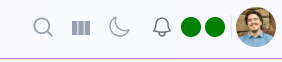
- Starting at the Home Page, ensure you open all the side menus by configuring the column manager
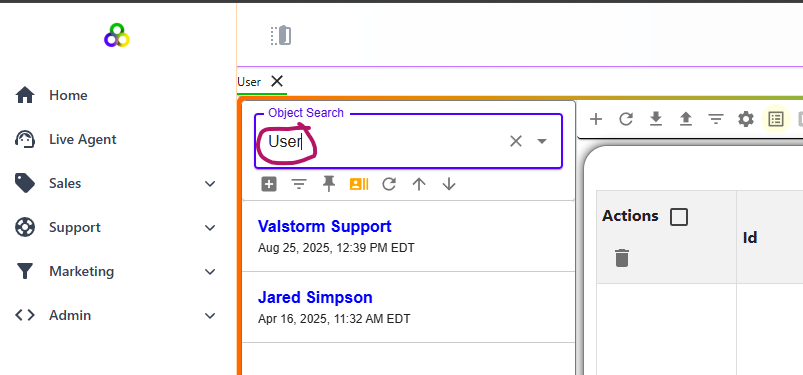
- Go to the Users section
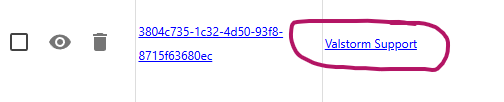
- Pick a user
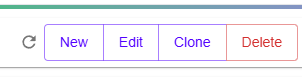
- Click Edit
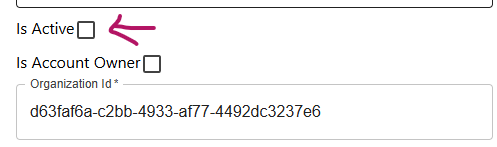
- Modify the Active field to No
- Save